100% local: your files never leave your browser
An error caught at the manufacturer costs weeks. Caught while routing, it costs minutes.
Drop your package after every change: it is checked at once and compared with the previous drop. You only recheck the files that changed.
- No installation
- No credit card
- No account
Your files stay with you
The package is read and analysed in your browser. No file is sent to a server, nor anything deduced from it.
Nothing to install
Drop a folder, a zip or 7z archive, or loose files: they are opened and recognised from their content.
No waiting in line
Your package goes to no server, so it never waits in line: everything is computed on your PC, as fast as your machine allows.
A viewer like no other
Follow your project as it moves on, and remember what you have already checked
All your projects in one place, one click away. Compare, annotate and check every change. Share them.
- See what you have already looked at, and what is left to seeFree
- Compare two states of your project, with three methodsPremium
- Annotate the board: each note reopens the exact viewFree
- Strengthen your checks: assembly, marking, mechanical, documents…Premium
Coverage
At last you know what you have already looked at: set the zoom and the time it takes for an area to count as seen. At the next drop, every unchanged layer keeps your pass.
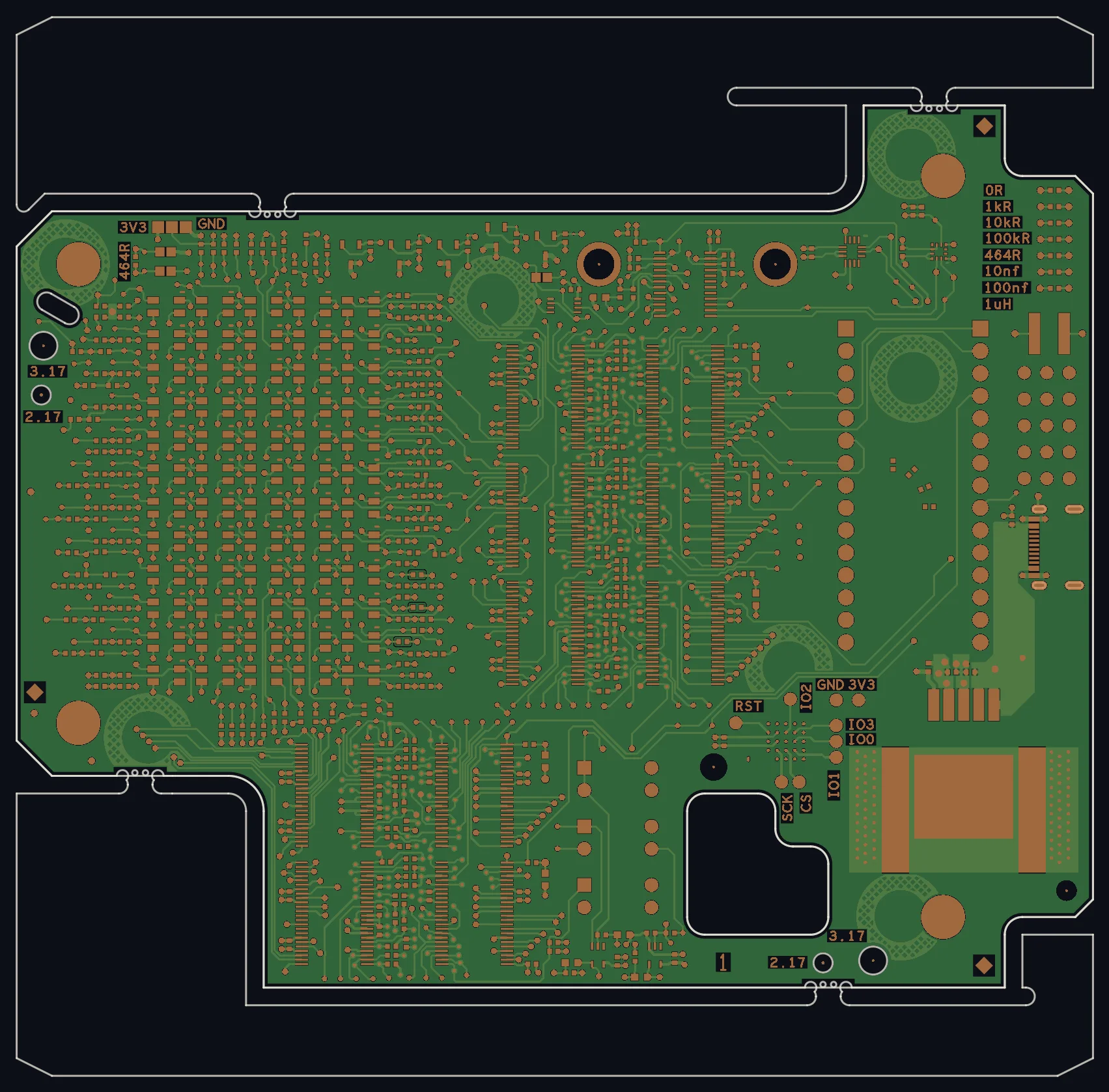
Drag the board
Comparison
Three methods to see at a glance what changes between any two states of your project: versions during design (A · v1, A · v2), revisions after a build (B · v1). Try them.
Checks that go further
Holes, solder paste, marking, mechanical, assembly drawing: each tab checks your Gerber files before you send them. Fewer returns from the manufacturer or EMS provider, fewer exchanges, days saved.
- Solder pastePad without paste
- Assembly drawingDesignator upside down
- MarkingSilkscreen on a pad
- MechanicalCorner the router cannot cut
Notes that keep the view
Circle, draw an arrow, set a status: every note reopens the exact view where it was taken. Draw on the board to try it.
Nothing essential is forgotten
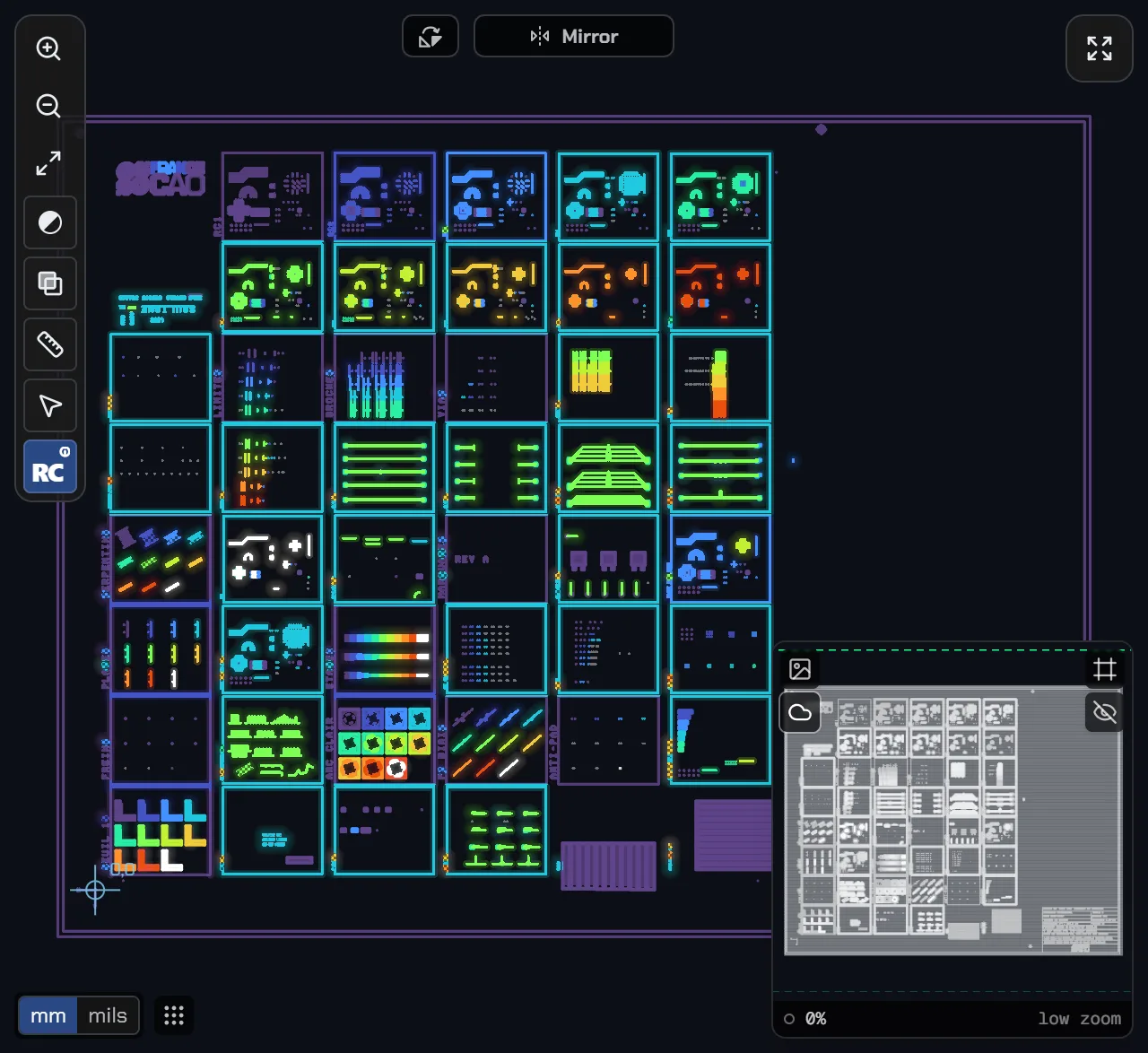
Fiducials, date code, marking: every pointed marker keeps its thumbnail. Point the third fiducial.
Click the third fiducial, the diamond at the bottom right.
The view adapts to what you check
Pick quickly from several styles and saved views, for more clarity and comfort. And save your own colours.
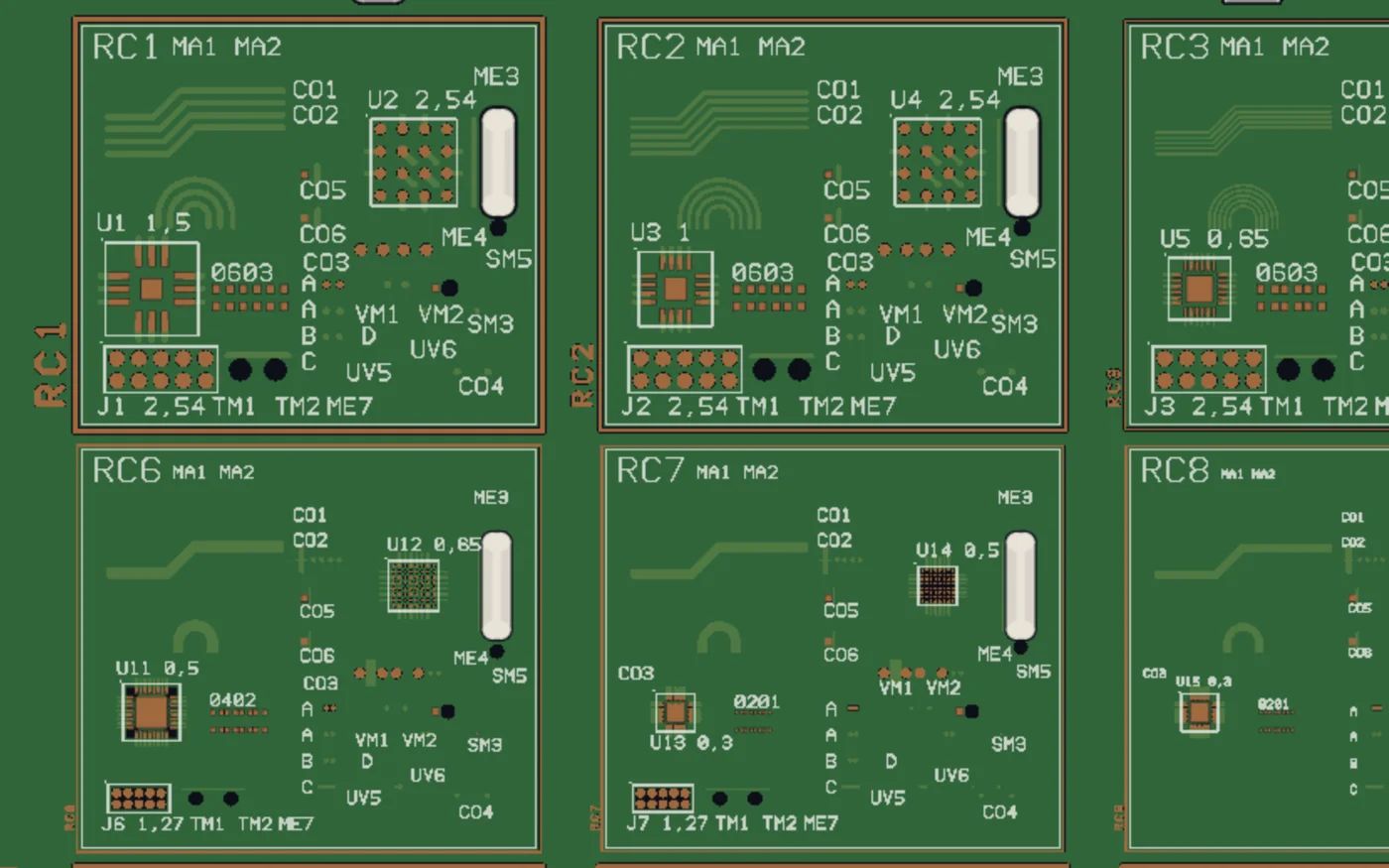
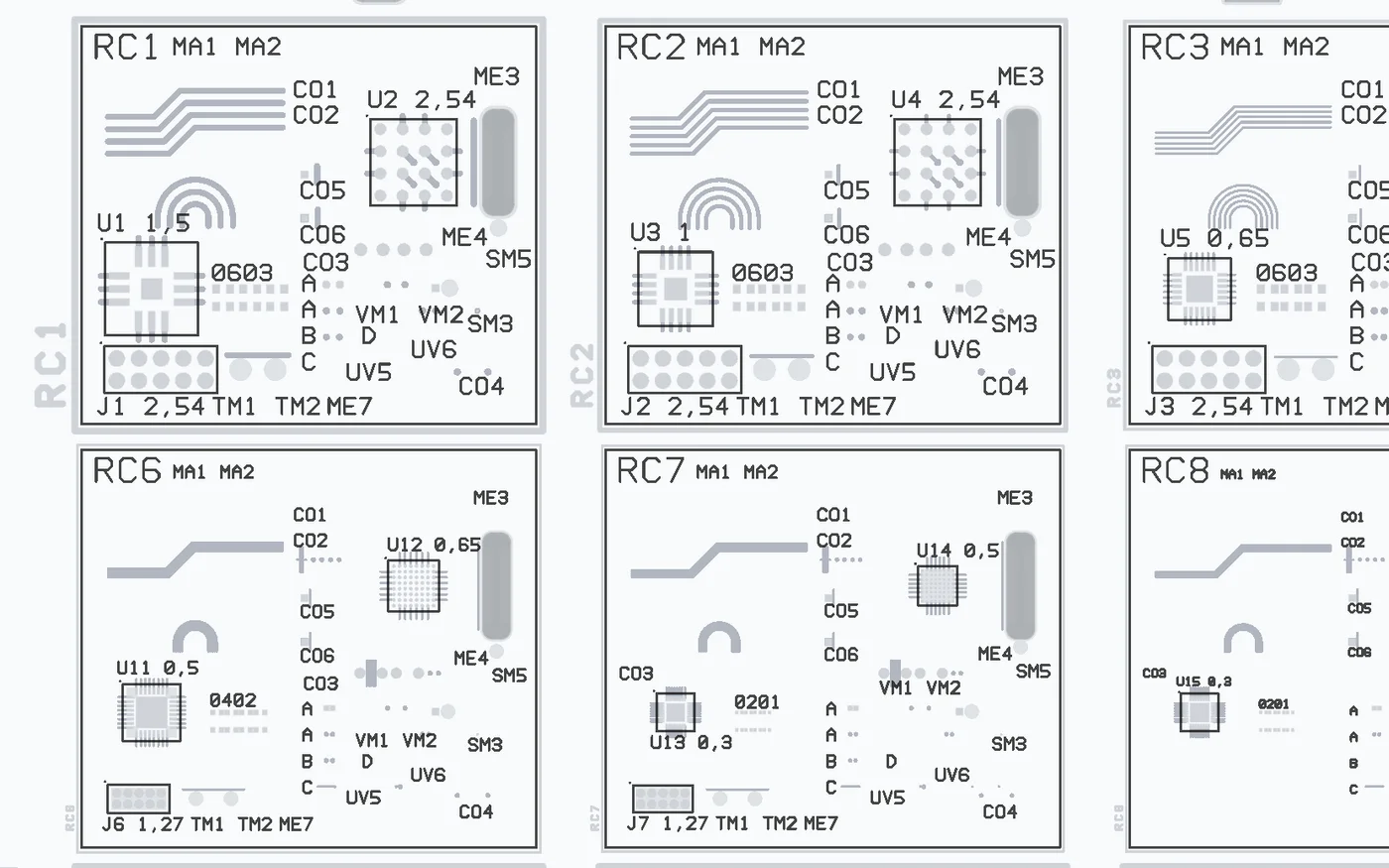
The board as it will come out: solder mask, copper, outline.
1 / 6
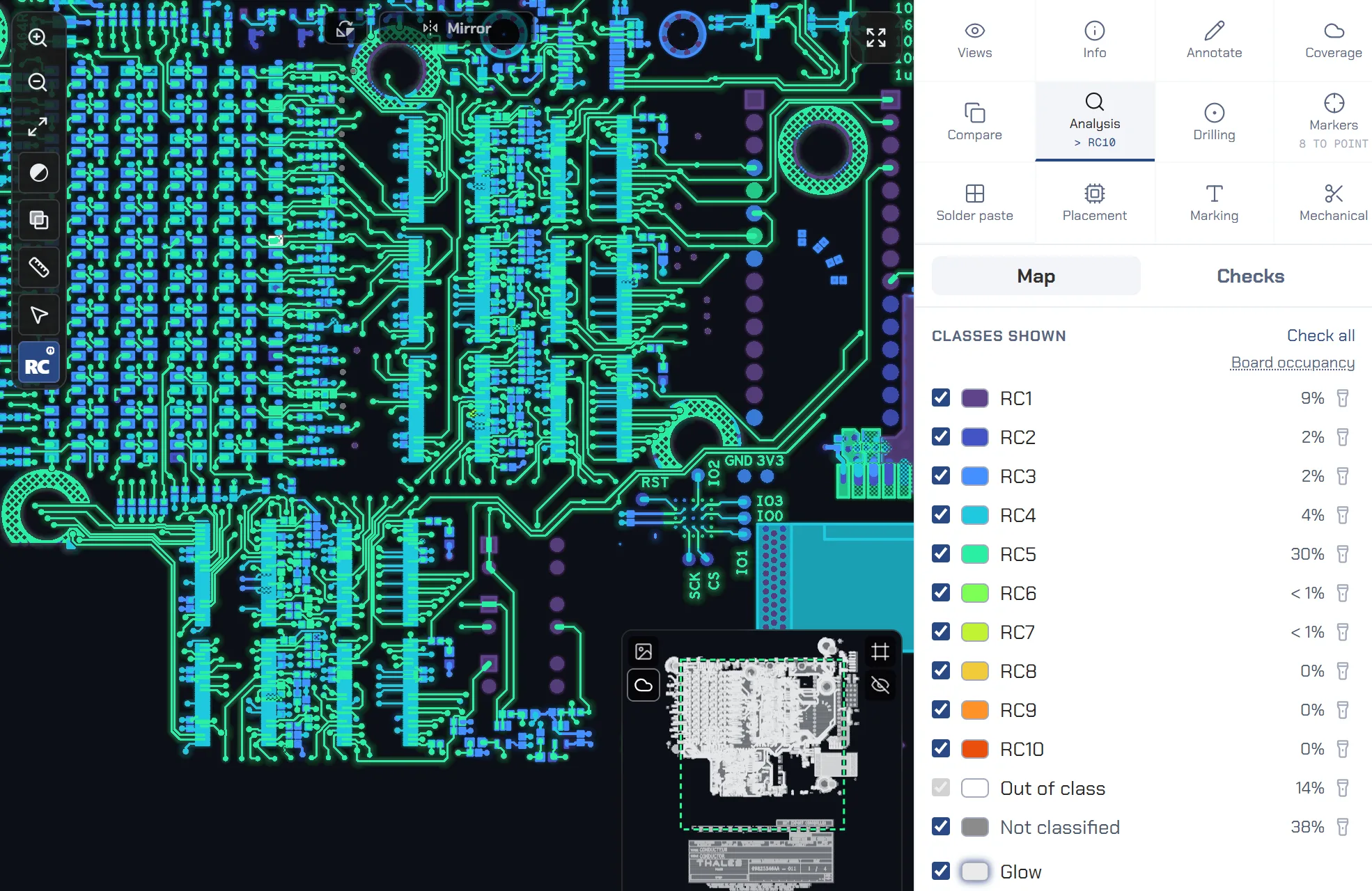
Manufacturability: the routing class
Too fine a class is paid for on every board manufactured
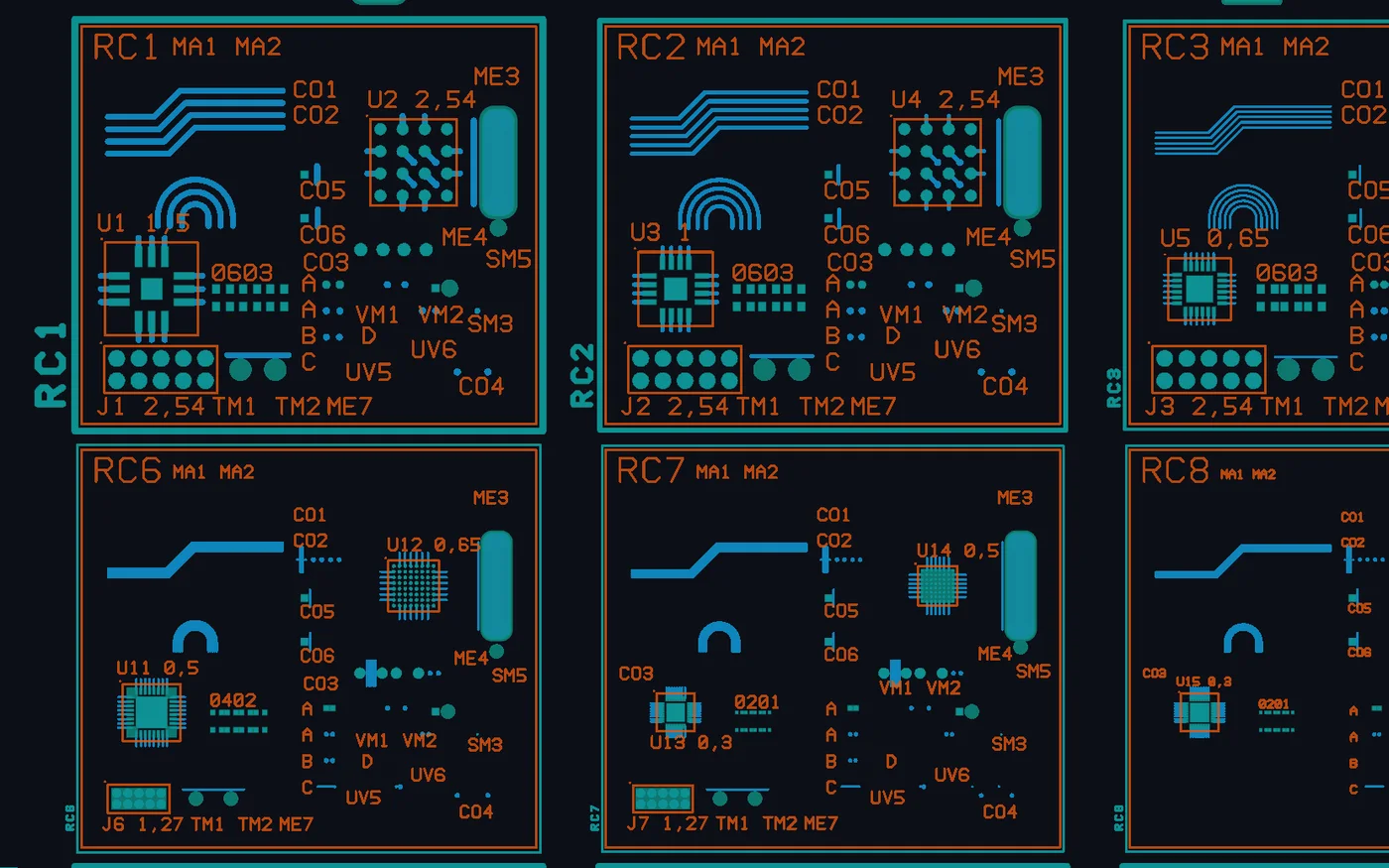
See at a glance where your board is most demanding, and which parameter makes it harder to manufacture. The analysis relies on the values of IEC PAS 63720, currently equivalent to AFNOR SPEC 2212.
- Know the class of your board, calculated automaticallyPremium
- Spot the constraining zones on the coloured boardPremium
- For each zone, identify the parameter that constrains itPremium
- Approve your class and exceptions, kept in the projectPremium
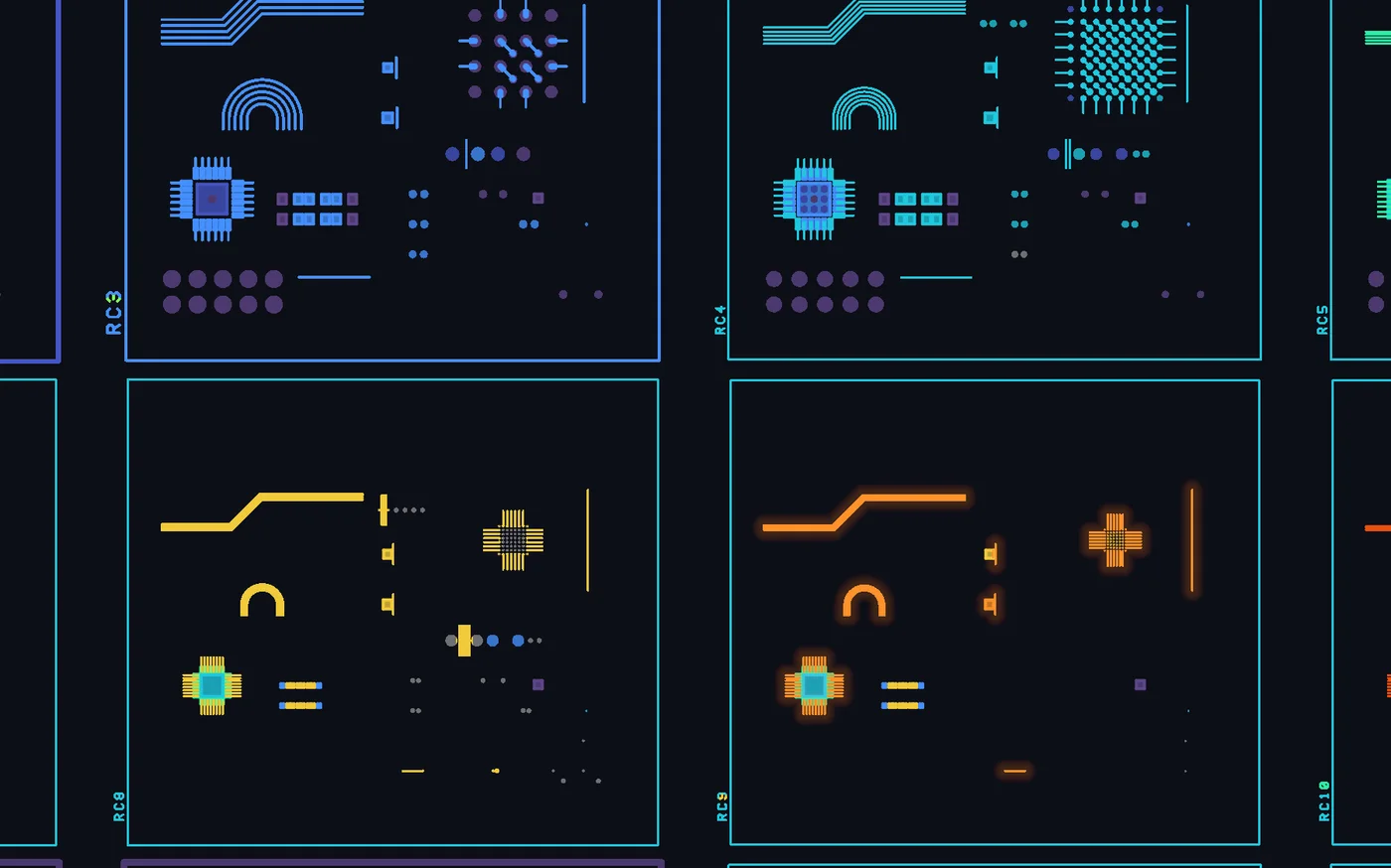
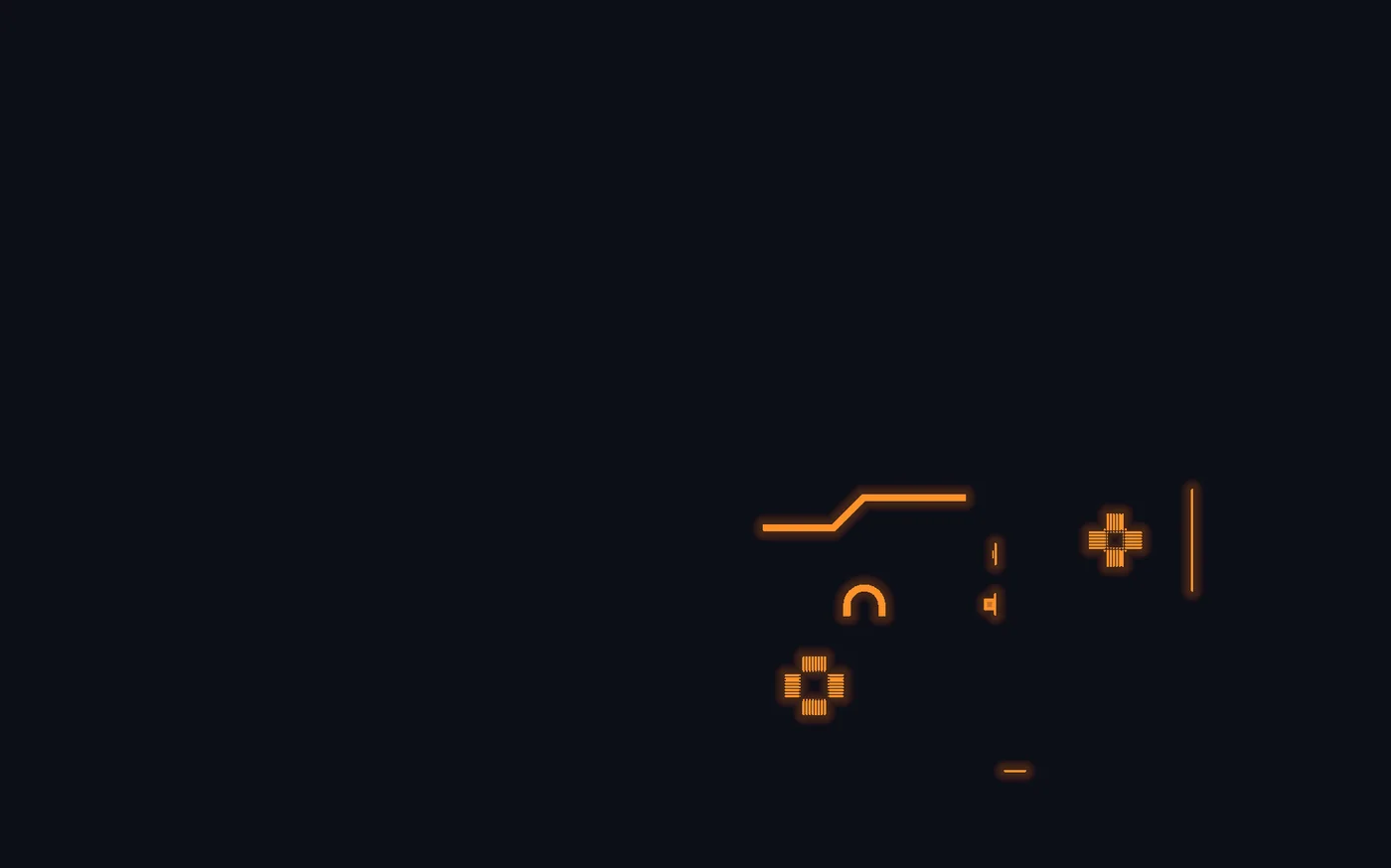
A demo board made to try out the assistant's features.Try it in the assistant
From the package received to the package delivered
No more sending the wrong file to the manufacturer
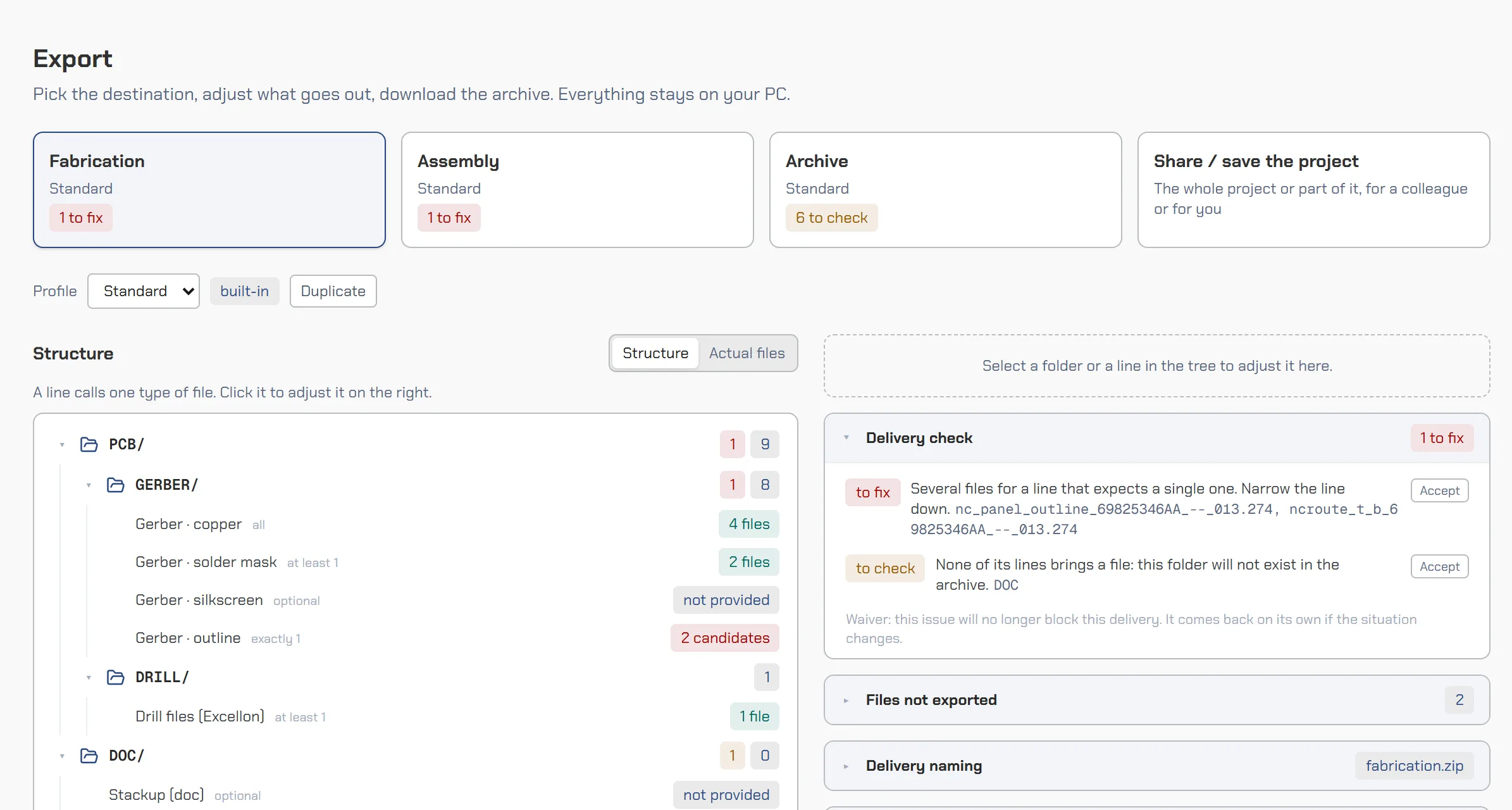
Drop the package as it comes: each file is recognised by its content, inconsistencies are flagged (dates, missing files), then the Export page builds a clean delivery package with checked names.
- Drop your files loose: each one is recognised and sortedFree
- Spot missing files or files with a suspect date…Member
- Share your project with your notes and settingsMember
- Deliver a package with checked names and no file left outMember
Start for free. Go Premium when every version counts.
Each plan includes everything in the previous one.
Early-bird advantage, for life
Those who try Premium during this phase and subscribe at launch get the launch price the first year, then 20% off the normal tariff, for life, as long as their subscription continues without interruption.
Discovery
Free, no account
Open a package and browse it in a smooth viewer.
Open the assistant- Gerber and drill viewerYour board layer by layer: zoom, sides, mirror, layer colors. Nothing to install.
- Files sorted automaticallyEach file is sorted by its content, not just its name: layer, side, drilling. You correct it if needed.
- Zip and 7z archives acceptedDrop the archive you received as it is: it opens like a folder.
- One-click correctionA misread file is reclassified by hand, and everything updates.
- Ready-made viewsCopper only, assembly drawing, marking: the views a check needs, in real or printable colors.
- Unviewed areas flaggedA veil covers what you have not looked at yet: you know what is left to check.while the package is open
- Demo boardA real board to try the assistant without your own files.
Member
Free, with an account
Keep your projects on your PC, measure, annotate and share them.
Create my free accountEverything in Discovery, plus:
- Copper-to-copper measurementThe edge-to-edge distance between two coppers, and a warning when another layer brings the same nets closer.
- Notes on the boardDraw and dimension on the board; each note keeps the exact view and its status: to do, approved, to fix.1 note per version
- Compare two layersTwo layers side by side, to see their differences at a glance.
- Stackup drawn in cross-sectionEnter your stackup: it is drawn in cross-section, and its structure rules are checked.
- Fabrication package in one zipA clean package for your manufacturer, with checked names, ready to send.fixed structure
- Projects kept on your PCFind your projects and their analyses in your browser. Nothing is sent.
- Project shared in one fileSend a complete project in a single file, which reopens as it was at your colleague's.
For professionals
Premium
Open on request to start
To anticipate at every step and deliver without surprises.
Try itFree during the trial phase
Try it on your real boards, with no commitment. Prices will be announced at the end of this phase, and those who tried will hear first.
For a design office: everyone keeps their own account, and you manage the licences from a single page.
Team trial on request
Say how many people work with you: trial licences open for the whole team.
- A licence moves from one person to another
- You see who uses a licence and their last login, never what they do with their files
Everything in Member, plus:
- Your board's routing classThe class measured on your files, parameter by parameter, based on the reference documents AFNOR SPEC 2212 and IEC PAS 63720.unlimited analyses
- Board colored by classEach area tinted with its class: you see at once where the board is most demanding.
- The why of each elementOn hover: the measured value and the threshold that sets its class.
- Compare two versionsYour new version against the previous one: you only recheck what changed.
- Versions and revisionsEvery version and revision of a project, each with its review and its labels.
- Collisions between drill filesHoles too close between two drill files, caught before they reach the manufacturer.
- Pre-assembly checksSolder paste, silkscreen, board outline: the defects that hinder the EMS provider, found ahead of time.
Everything My PCB assistant does
| Feature | Discovery | Member | Premium |
|---|---|---|---|
| Drop, read, sort | |||
| Zip and 7z archivesA dropped archive opens like a folder. | Included | Included | Included |
| Automatic file classificationEach file recognised by its content: category, layer, side, with a confidence score. | Included | Included | Included |
| Manual reclassificationCorrect a category, a layer, a unit, a scale, exclude a file. | Included | Included | Included |
| Create your classification rulesRule sets (path, name, content) that take precedence over detection, to import and export. | Not included | Not included | Included |
| Warnings per fileFile misread, inconsistent generation dates, an element stranded far from the board. | Not included | Included | Included |
| Demo boardOpen a demo board to try the assistant without your own files. | Included | Included | Included |
| The viewer | |||
| Board displayZoom, sides, mirror, layers (visibility, order, colour), layer offset, mini-map, session restored. | Included | Included | Included |
| ViewsThe standard views (marking, assembly drawing, copper only…), in real or printable colours. | Included | Included | Included |
| Create your viewsYour own views, next to the standard ones, kept for later. | Not included | Included | Included |
| Selecting an elementSegment, track, net, via, drilled hole: its details, multiple selection, length within the net, the highlight brush. | Not included | Included | Included |
| Copper-to-copper measurementThe edge-to-edge distance between two copper features, and a notice when another layer brings the same nets closer. | Not included | Included | Included |
| AnnotationsDraw and dimension on the board; each note keeps the exact view and a status (to review, approved, to fix). | 1 note per version, not kept | 1 note per version | unlimited |
| Decisions on alertsMark each alert to fix or approved, filter the list by decision, follow the progress. | Not included | Not included | Included |
| CoverageWhat you have already looked at, and a fog over what you have not. | while the package is open | kept with the project, not shared | kept, shared, follows your versions |
| Text read under the pointer, and its correctionWhat is written under the pointer, its direction and size; a correction teaches the font. | Not included | Not included | Included |
| ComparisonTwo layers or two project states face to face: differences, blink, curtain, alignment, and a report of the differences to decide on. | Not included | between two layers | between two layers or two project states |
| Drilling checks | |||
| Drilling collisionsHoles of two incompatible drillings too close to each other. | Not included | Not included | Included |
| Stacked vias and forbidden pairsDrillings that cannot coexist, and stacked vias. | Not included | Not included | Included |
| Lamination sequenceDo the blind and buried drillings make a stackup that can be built? | Not included | Not included | Included |
| Duplicate holesTwo holes at the same place, with the same tool, in the same file. | Not included | Not included | Included |
| Drill drawing symbolsA hole without its symbol, or with the symbol of another tool. | Not included | Not included | Included |
| Routing class analysis | |||
| Board classThe class measured on your files and the class imposed by the structure, parameter by parameter. | Not included | Not included | unlimited analyses |
| Tracks and clearancesConductor width, clearance between conductors, to planes, to via pads (CO1 to CO4). | Not included | Not included | Included |
| Component padsSMD and NSMD pad clearance (CO5, CO6). | Not included | Not included | Included |
| ViasDrilled diameter, pad, via types and structure (VM1, VM2, TYPEV). | Not included | Not included | Included |
| Board thicknessThe thickness entered in the stackup, which caps the class (ME8). | Not included | Not included | Included |
| Board coloured by classEach zone tinted with its class, with the share of the board in each class. | Not included | Not included | Included |
| The reason for each elementOn hover: the class, the value, the two thresholds around it; the list of the most demanding cases. | Not included | Not included | Included |
| Class approvalApprove up to a class, accept exceptions per parameter, and keep it in the project. | Not included | Not included | Included |
| The stackup | |||
| Specifications pageThe drawn cross-section, the stackup entry (layers, thicknesses, copper, finish) and its structure rules. | Not included | Included | Included |
| Nature of the holesVia, component, plated, laser: the drilling table, finished or drilled diameter. | Not included | Not included | Included |
| Markers and checks | |||
| MarkersPoint, one side at a time, the elements to check: fiducials, origin, tooling holes, date code. | Not included | suggested checks | your own checks |
| Solder pasteSolder paste: pad without paste, paste overhanging the pad, on solder mask, over a hole, over an unfilled via. | Not included | Not included | Included |
| MarkingSilkscreen on bare copper, over a hole, off board; reading direction, mirror, overlapping texts, text too small. | Not included | Not included | Included |
| Assembly drawingAssembly drawing: reading direction, mirror, overlapping texts. | Not included | Not included | Included |
| Mechanical outlineOpen outline, corner the router cannot cut. | Not included | Not included | Included |
| Reading the texts of the packageEvery text of the package read at import, with direction rules per side. | Not included | Not included | Included |
| Projects and export | |||
| Projects with versionsRevisions and versions of the same project, labels, review kept with each version. | Not included | Not included | Included |
| Keep a project on this PCFind your projects and their analyses in the browser, without sending anything. | Not included | Included | Included |
| Work folderAn automatic copy of the project in a folder on your disk. | Not included | without the analyses | with the analyses |
| Share a projectBack up or pass on a project as a single zip file, and reopen it. | Not included | Included | Included |
| Package outputA clean package for the manufacturer, the EMS provider or the archive, with checked names, in one zip. | Not included | fixed structure | your profiles |
| Renaming by templateOutput names built from variables: project, revision, date, layer. | Not included | Not included | Included |
| Other tools | |||
| Choose your routing classThe routing class recommended from your parameters. | Not included | Included | Included |
| Visual guideThe visual guide of a routing class. | Included | Included | Included |
Frequently asked questions
Are my files sent anywhere?
No. Your package is read and analysed in your browser. Nothing from it is sent to a server: not the files, not their names, not their content, not the analysis results.
Do I need an account?
Not to discover the assistant: drop a package and look at it. A free account lets you keep your projects, measure, annotate and share.
Is there a limit on the number of analyses?
No, in Premium: everything is computed on your machine, so analyse as many packages and versions as you like.
Where do the routing class thresholds come from?
From the reference documents IEC PAS 63720 and AFNOR SPEC 2212, currently equivalent. Your files are measured, and each element is placed within its classes. The result is a checking aid: it does not replace your manufacturer's approval.
Which files can I drop?
Gerber files, drill files, and the zip and 7z archives that contain them. The other files of the package are recognised and sorted, even those that are not drawn.
When will the Premium plan be available?
It opens on request first: click “Try it” on the Premium plan. It is reserved for professionals.
The next error may already be in your package
Open it in the assistant: it is free, and your package never leaves your browser.
What is missing for you?
A feature, a file format, a question left unanswered: a few words are enough. Every message is read.